Psychic Development and Spirit Guide Training for Women
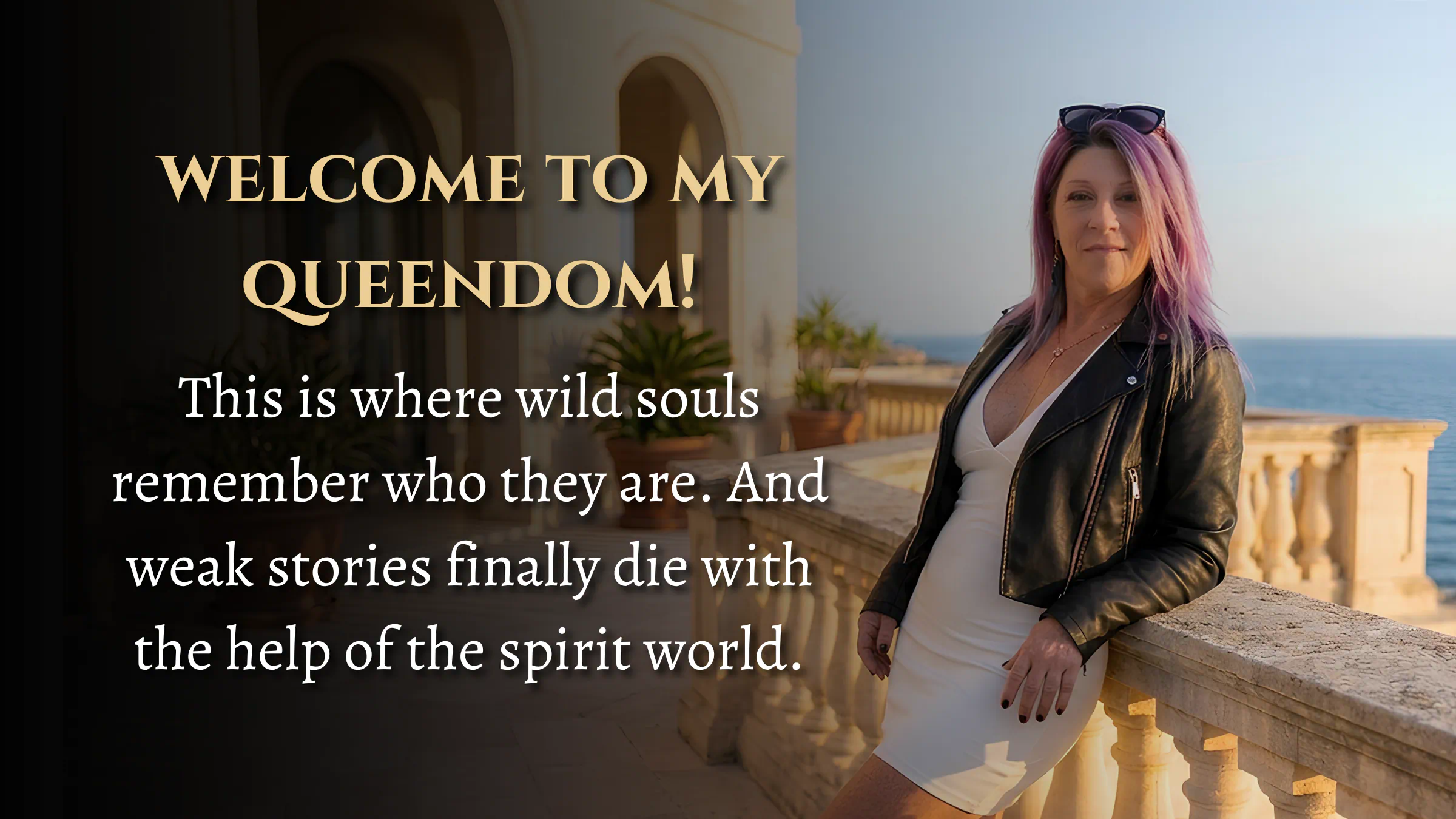
WELCOME TO MY
QUEENDOM
Where women learn to develop their intuitive and psychic abilities, and lead their lives with spiritual authority.
This is where wild souls remember who they are and weak stories finally die.

there are two ways to begin...

free webinars.

Start here if you’re new to my work. These free trainings give you real insight into intuition, energy, and the spiritual world while letting you experience my teaching style.
courses & training.
Explore my library of intuitive and psychic development courses designed to help you trust yourself, read energy clearly, and step into your power.
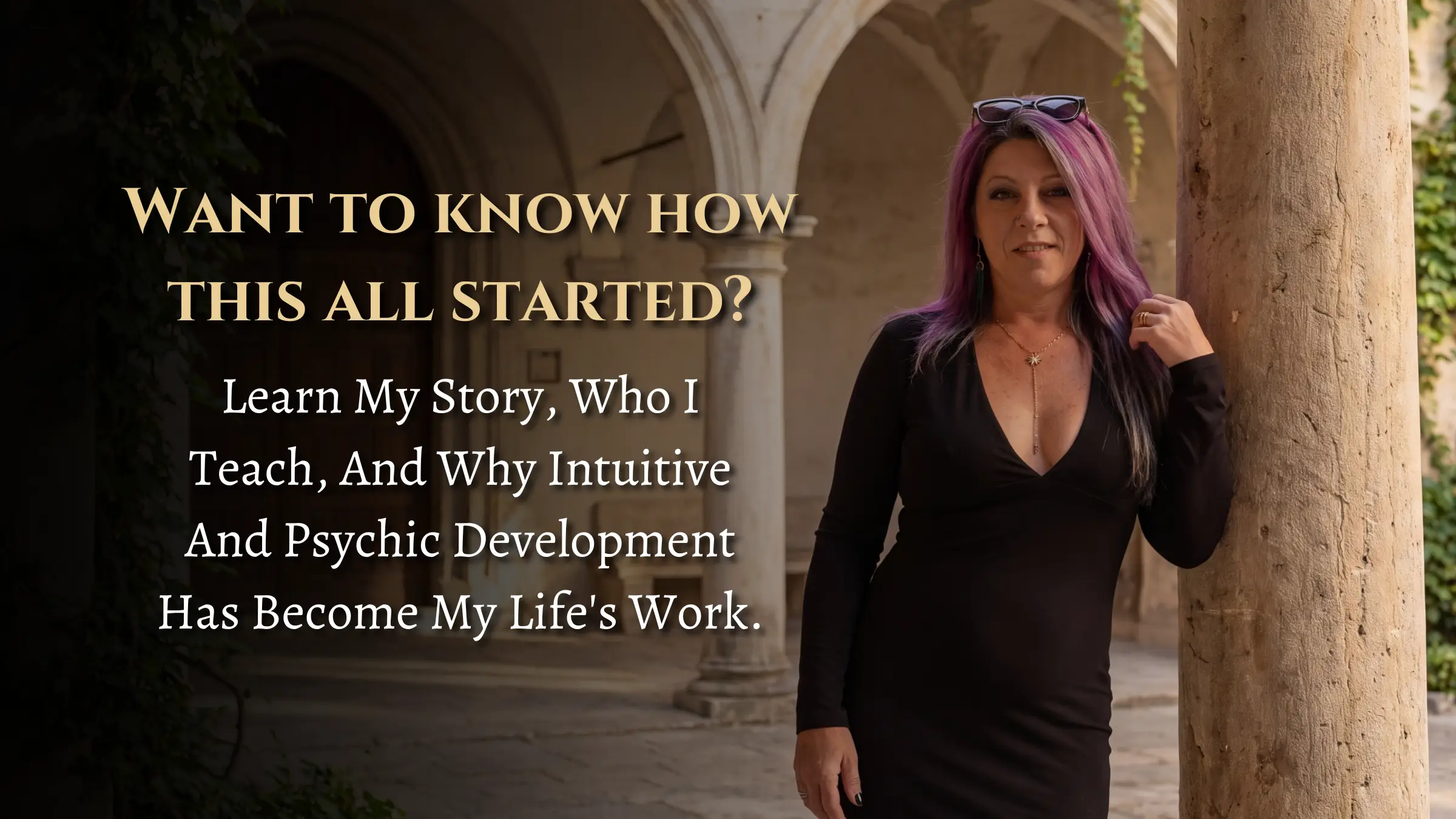
want to know how it all started?
Learn my story, who I teach, and why intuitive and psychic development has become my life's work.
let's stay connected.
I go live frequently on Facebook, sharing intuitive insights, spiritual guidance, and real conversations about developing your psychic ability.
frequently asked questions
what are spirit guides?
Any being who resides in the light they can offer assistance.
can anyone learn to connect with their spirit guides?
Yes this is a skill set, and every skill set can be learned.
Do I need to be psychic to start?
Absolutely not in fact that’s the better starting point. Everyone is psychic, it’s just a matter if you wanna learn how to use it and apply it in your life.
Does Judi still do psychic readings?
No, she stopped doing readings when Covid hit and switched to training others how to do this stuff for themselves because it’s more beneficial to you.
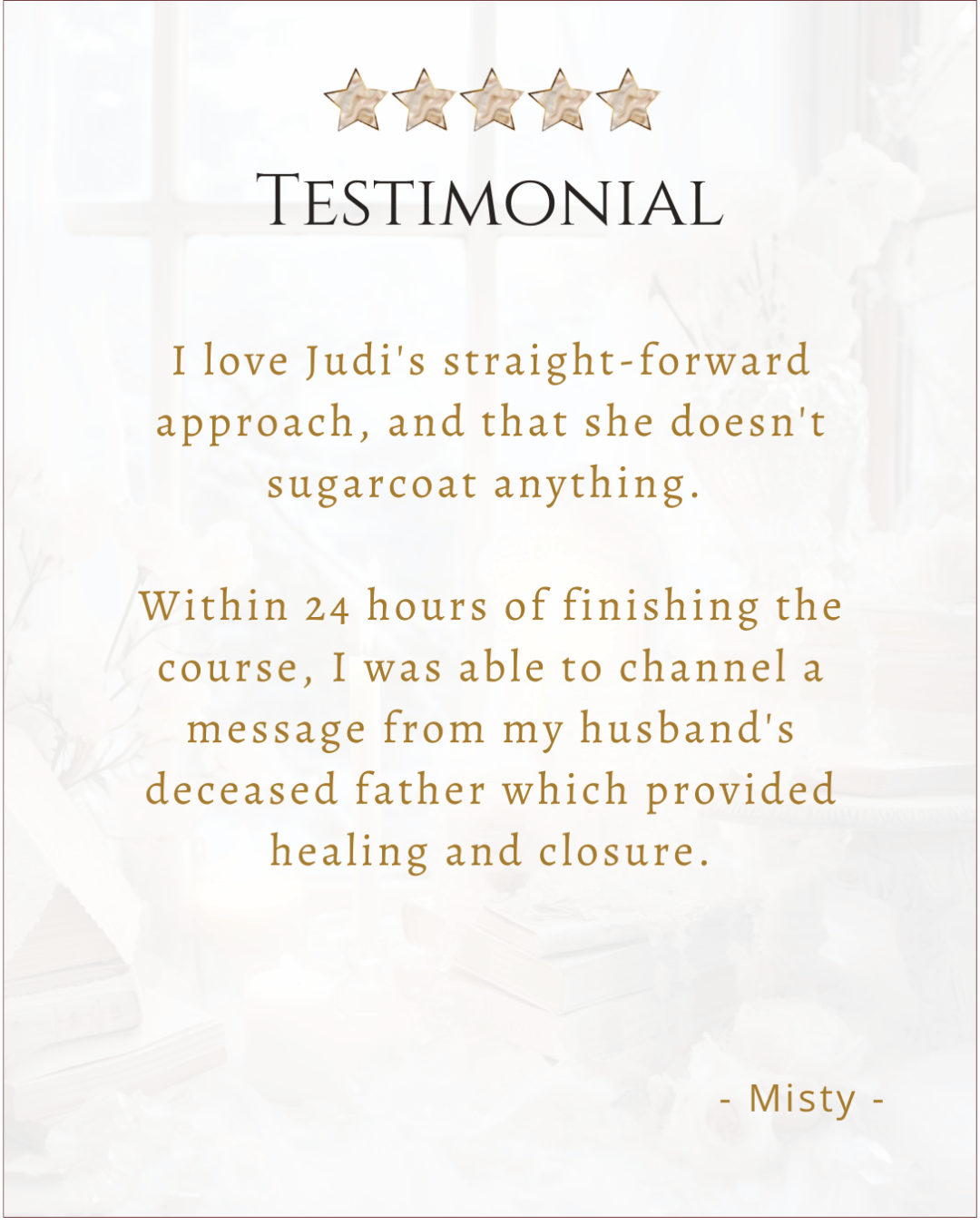
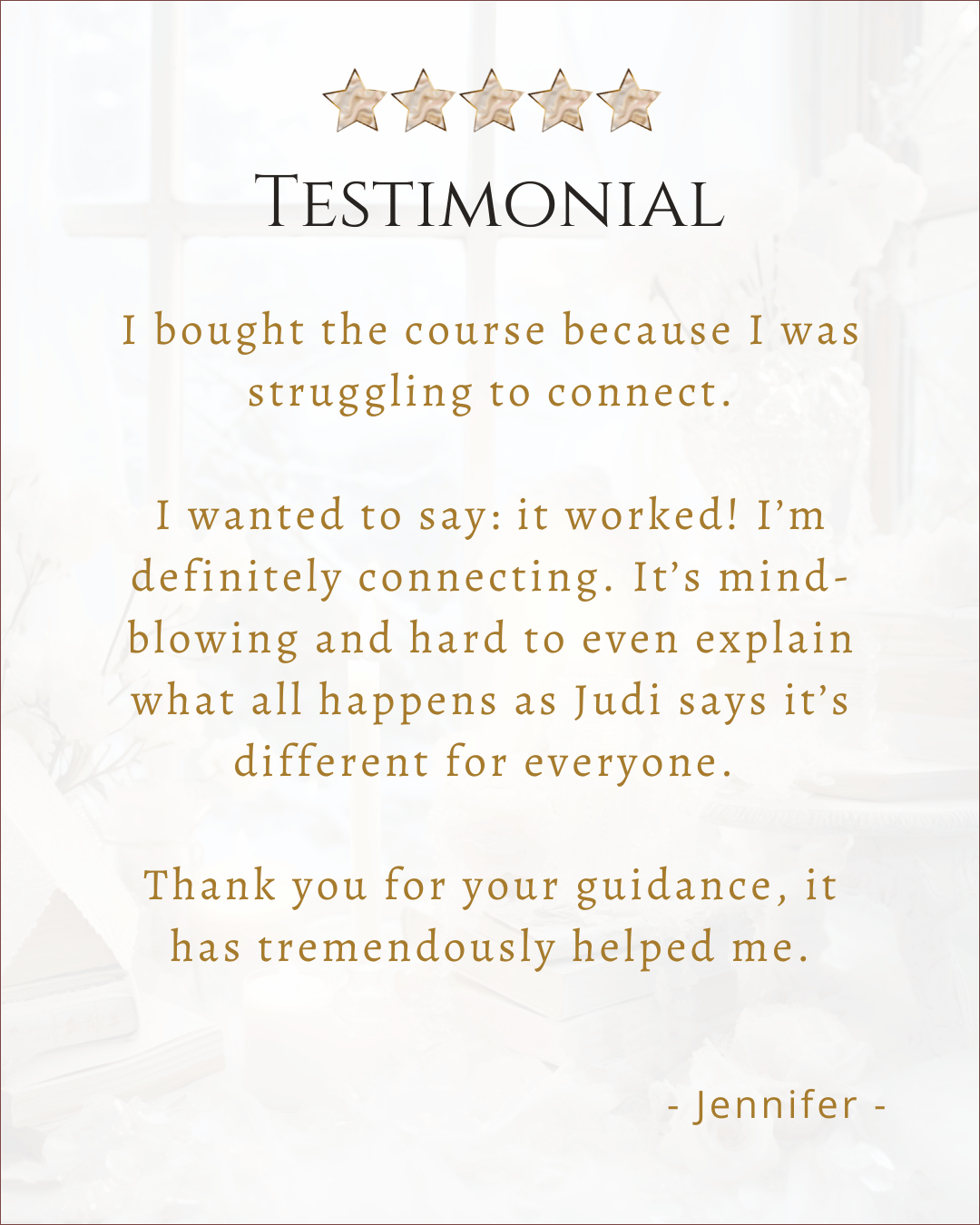
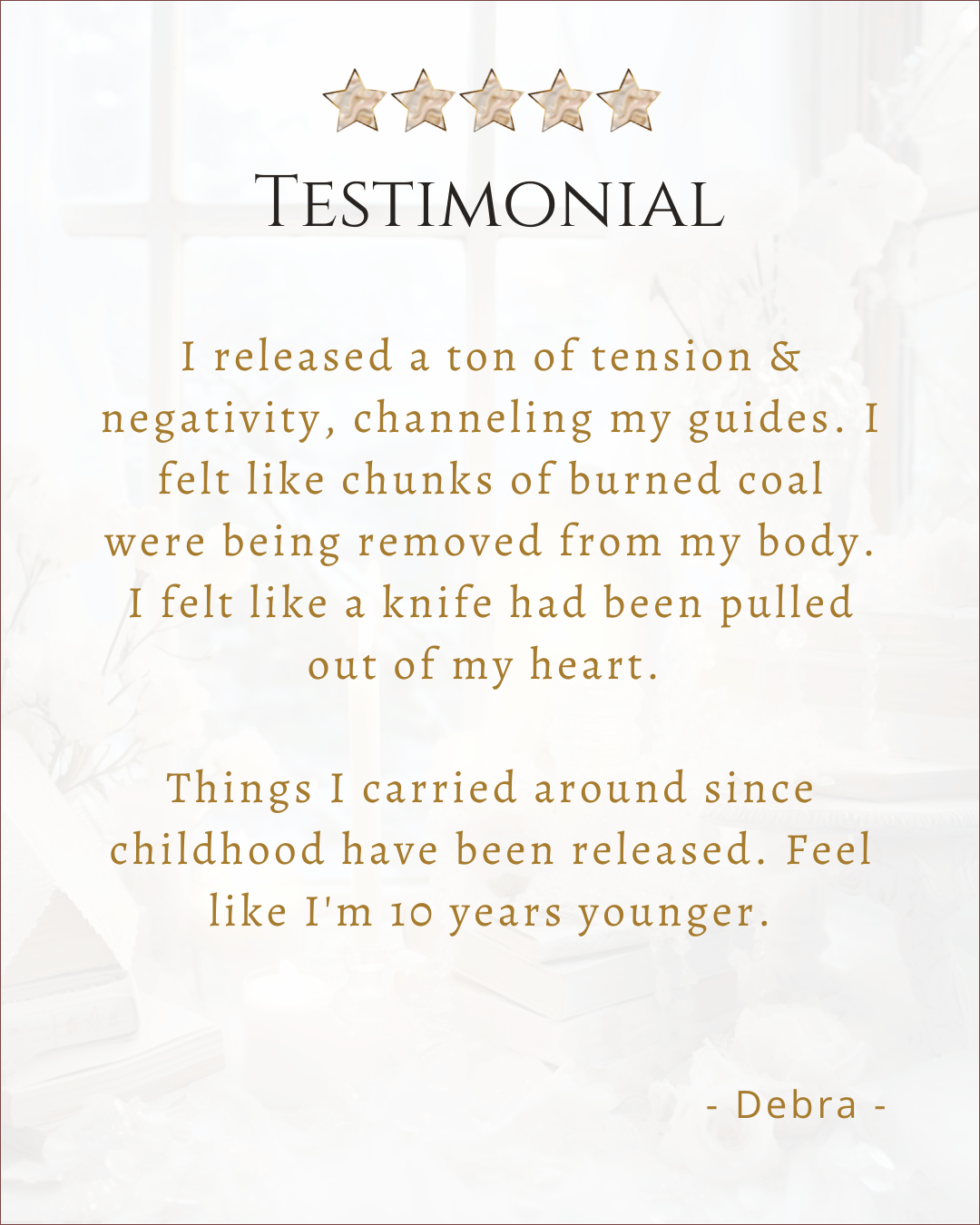
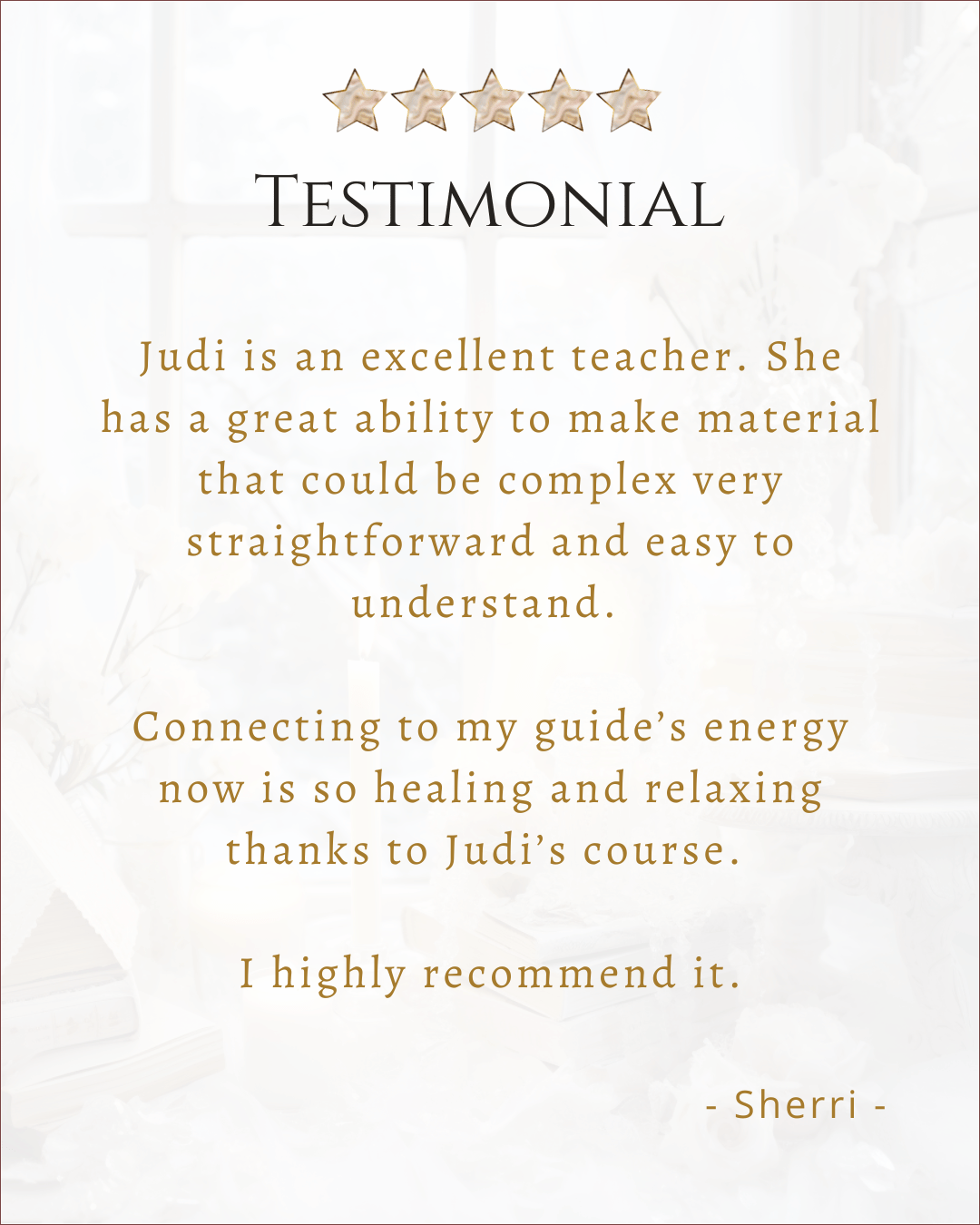
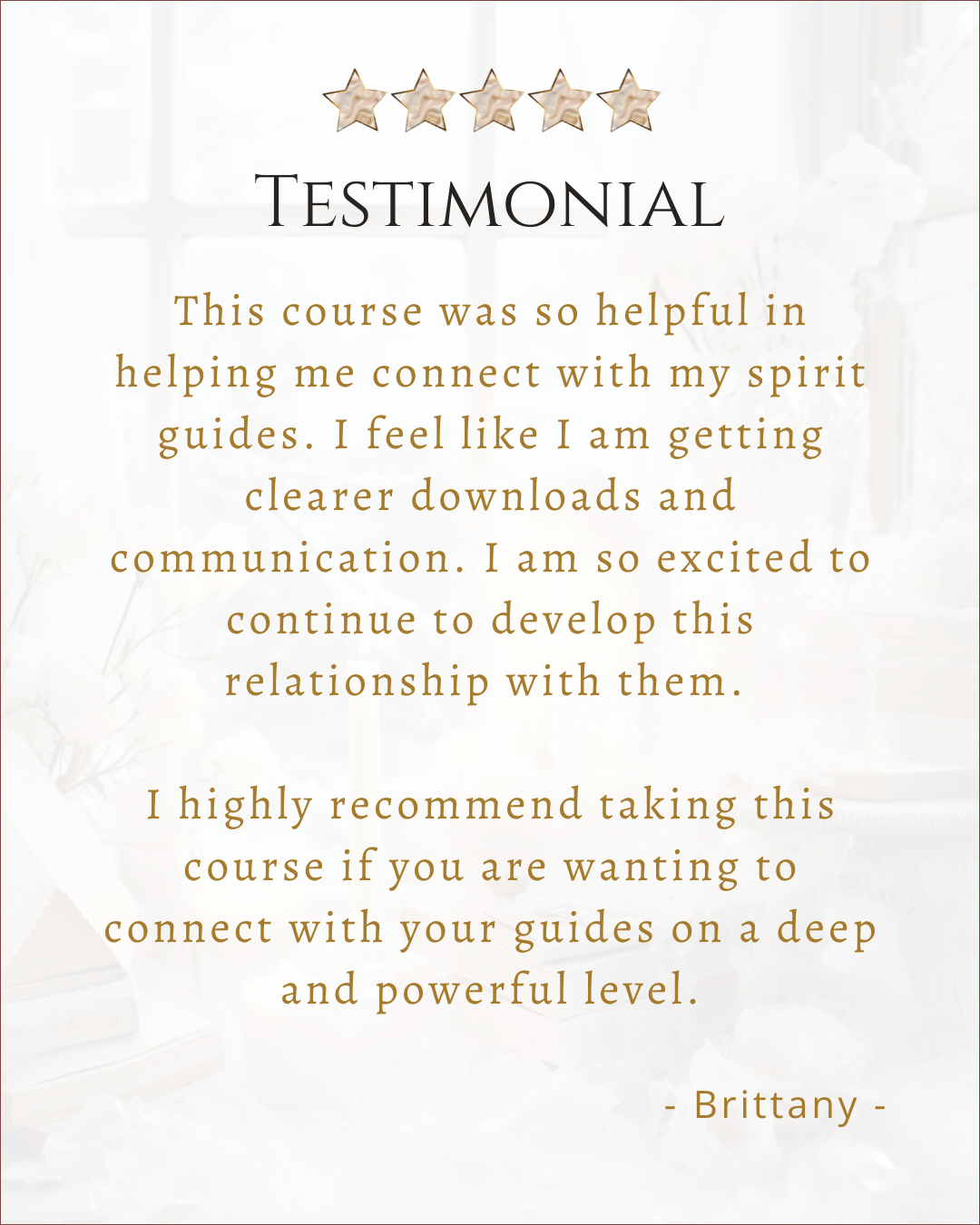
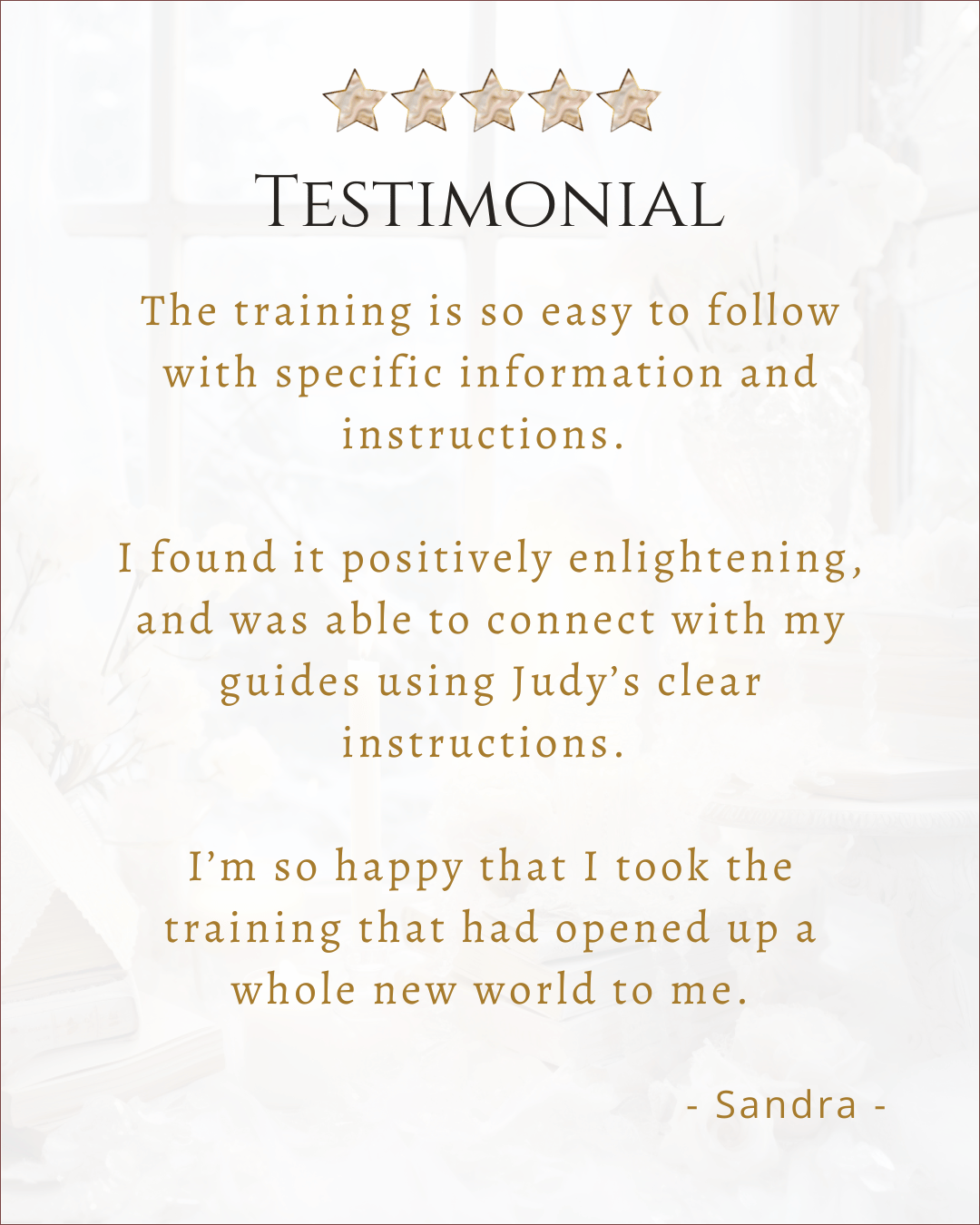
real people. real breakthroughs. real clarity.

ever purchase a course in the past?
You can access your training/ paid content Below.
©️ 2026 Judi Jamieson The Psychic | Terms & Conditions